Recommended
SHA-256: listed in the release checksum file
Bento for Android backs up your phone’s photos and videos, encrypted, to your own Telegram account and puts your whole library in your pocket: photos, files, search and collections, just like on your computer.
Android 10 or later. Free, no ads, no analytics. Installed from a signed APK published on GitHub; not on Google Play yet. Bento uses the Telegram API and is not affiliated with Telegram.
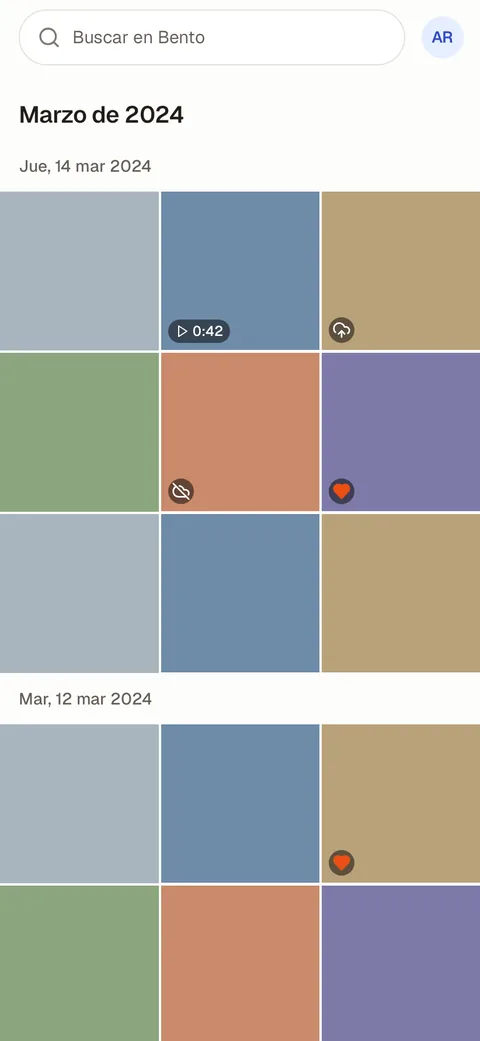
Everything you save from any of your devices shows up on the phone too. Thumbnails are kept on the phone; originals download when you open them.
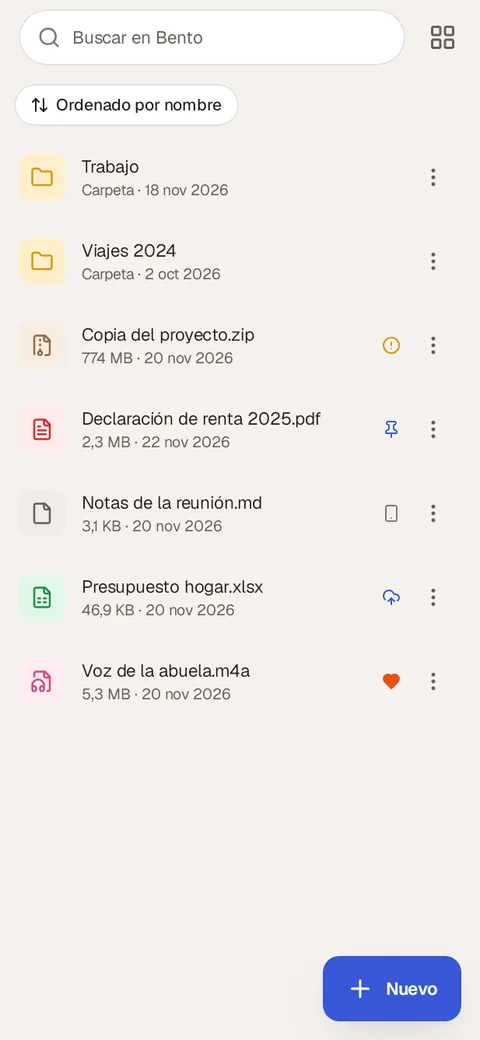
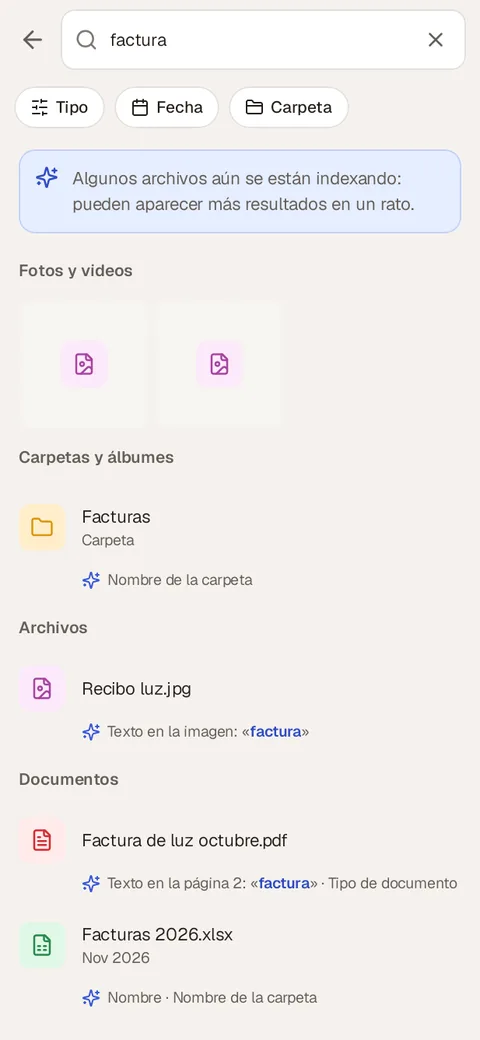
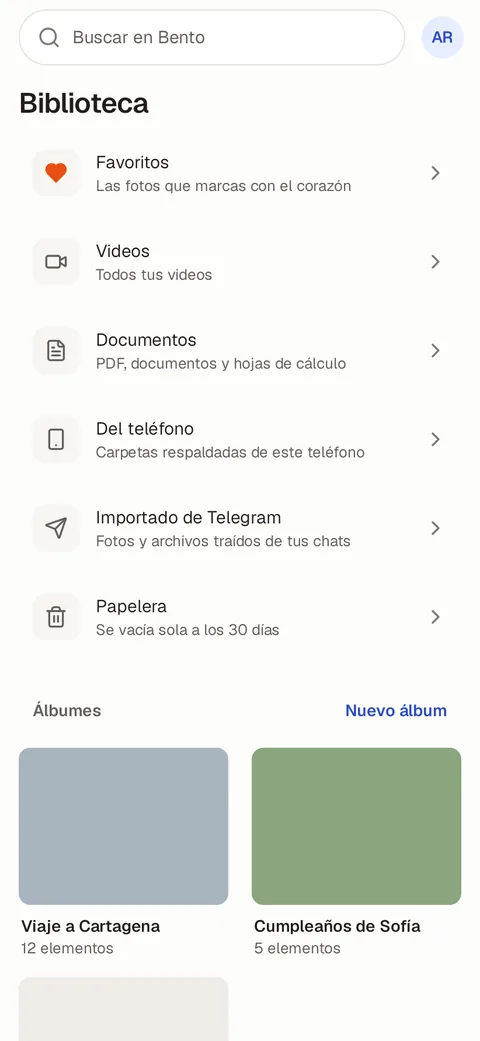
You need Android 10 or later on a 64-bit phone or tablet (almost every one from 2019 on). The download is about 60 MB.
SHA-256: listed in the release checksum file
SHA-256: listed in the release checksum file
Download Bento only from this page or from the project’s releases on GitHub. Every APK is signed with the same key, and its SHA-256 is shown here and in the SHA-256 checksum file.
All releases and release notes Bento for Windows, macOS and Linux
Because Bento doesn’t come from Google Play, Android asks you once to allow installing apps from your browser.
On the phone, tap the download button above. When it finishes, open the file from the notification or from Downloads.
If Android asks, tap Settings and turn on “Allow from this source” for your browser. It is also under Settings › Apps › Special app access › Install unknown apps.
Tap Install. If Google Play Protect says it doesn’t recognize the app, choose to install anyway or let it scan the app. Afterwards you can turn the permission from step 2 off again.
Choose “Get started” to connect your Telegram, or “I already use Bento on another device” and scan your computer’s QR code.
Came here from your computer’s QR code? After installing, scan it again: Bento opens with the code already filled in.
When there is a new version, Bento tells you in Settings › About and with a calm notice. You decide when to install it.
Photos, names, dates and location are encrypted before they leave the phone. Telegram only stores data it cannot read.
No third-party SDKs and no automatic crash reports. Bento only connects to Telegram, to the relay while pairing, and to GitHub to check for updates.
Protected by the Android Keystore and kept out of Google backups. A new phone joins by pairing.
With your fingerprint, your face or the phone’s PIN. It also hides content in the recent apps view.